




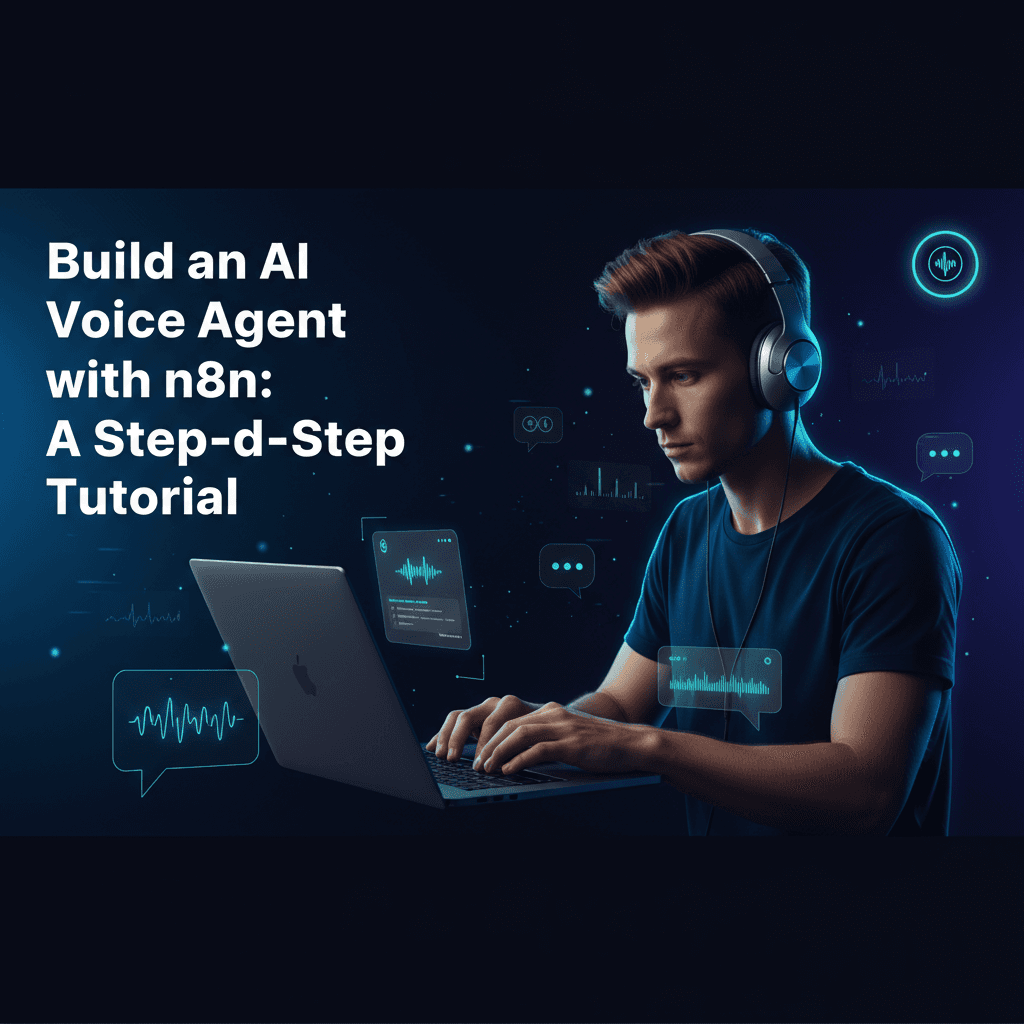
In today's fast-paced business world, automating communication is no longer a luxury but a necessity. Imagine an AI that can answer calls, assist customers, and even book appointments, all without human intervention. This is where an AI voice agent n8n comes into play. This comprehensive guide will walk you through building a robust, production-ready AI voice agent using n8n, a powerful workflow automation tool, combined with cutting-edge AI services like ElevenLabs and Twilio. Whether you're looking to enhance customer support, streamline inbound calls, or automate appointment booking, this n8n voice agent tutorial is for you.
Why Build an AI Voice Agent with n8n?
n8n is an incredibly versatile and extensible platform for workflow automation. Its visual interface makes it easy to connect various APIs and services, making it an ideal choice to build AI voice agent with n8n. By leveraging n8n, you can orchestrate complex interactions between telephony services (like Twilio), advanced text-to-speech (TTS) and speech-to-text (STT) engines (like ElevenLabs and OpenAI's Whisper), and large language models (LLMs) like OpenAI's GPT or Claude. This allows for sophisticated voice AI automation n8n workflows that can handle dynamic conversations and provide intelligent responses.
Key Components for Your n8n AI Voice Agent Workflow
To create a fully functional n8n AI voice agent workflow, you'll need to integrate several key services:
1. Telephony Integration: Twilio
Twilio is essential for handling incoming and outgoing calls. It provides the infrastructure for your n8n Twilio voice agent to answer calls, play audio, and capture spoken input. We'll use Twilio's TwiML (Twilio Markup Language) to control the call flow, which n8n can dynamically generate based on AI responses.
2. Speech-to-Text (STT): OpenAI Whisper or Similar
When a user speaks, their voice needs to be converted into text for the AI to understand. OpenAI's Whisper API is an excellent choice for speech to text n8n voice agent functionality, offering high accuracy and multilingual support. Other options include Google Cloud Speech-to-Text or AWS Transcribe.
3. Text-to-Speech (TTS): ElevenLabs
To make your AI sound natural and engaging, a high-quality TTS engine is crucial. n8n ElevenLabs voice agent integration provides incredibly realistic and customizable voices, making the interaction feel more human-like. We'll use text to speech n8n ElevenLabs to convert the AI's textual responses into spoken audio.
4. Large Language Model (LLM): OpenAI GPT or Claude
This is the brain of your AI. An LLM like OpenAI's GPT-4 or Anthropic's Claude will process the transcribed user input, understand the intent, and generate intelligent, context-aware responses. This powers the core intelligence of your ai phone agent n8n.
Step-by-Step Tutorial: Building Your n8n AI Voice Agent
Let's dive into the practical implementation. This tutorial assumes you have an n8n instance running and accounts with Twilio, ElevenLabs, and OpenAI.
Step 1: Set Up Your Twilio Webhook in n8n
Start by adding a 'Webhook' node in n8n. Configure it to listen for POST requests. This URL will be provided to Twilio as the webhook for incoming calls. When a call comes in, Twilio will send data to this endpoint, triggering your inbound voice agent n8n workflow.
Step 2: Initial Twilio Response (Greeting)
After the webhook, add a 'Set' node to construct the initial TwiML response. This TwiML will instruct Twilio to play a greeting and then gather the caller's input. For example, it might say: <Response><Say>Hello! How can I help you today?</Say><Gather input="speech" action="[Your n8n Webhook URL]/gather" method="POST"></Gather></Response>. The 'action' attribute points to another n8n webhook that will process the gathered speech.
Step 3: Process Gathered Speech (Speech-to-Text)
Create a second 'Webhook' node in n8n for the '/gather' endpoint. This webhook will receive the transcribed speech from Twilio (usually in the SpeechResult parameter). Connect this to an 'HTTP Request' node to send the audio to your chosen STT service (e.g., OpenAI Whisper). This converts the caller's voice into text for your customer support voice agent n8n.
Step 4: Send Text to LLM for Response Generation
Take the text output from the STT service and feed it into an 'HTTP Request' node configured for your LLM (OpenAI GPT or Claude). Craft a system prompt that defines the AI's role (e.g., "You are a helpful customer support agent for [Your Company Name]..."). This is where the intelligence of your n8n voice assistant for business comes alive.
Step 5: Convert LLM Response to Speech (Text-to-Speech)
Once you receive the LLM's text response, use another 'HTTP Request' node to send this text to ElevenLabs for TTS conversion. ElevenLabs will return an audio file (or a URL to one). This step ensures your no-code voice AI agent can speak back to the caller.
Step 6: Play AI Response and Gather Further Input
Finally, construct another TwiML response in n8n. This TwiML will use the <Play> verb to play the audio generated by ElevenLabs, followed by another <Gather> verb to continue the conversation. This creates a loop, allowing for multi-turn dialogues. For specific use cases like an ai appointment booking voice agent, you might integrate with a calendar API here before responding.
Implementing Advanced Features: AI Call Center Automation n8n
Beyond basic conversations, n8n allows you to build sophisticated AI call center automation n8n solutions:
- Conditional Logic: Use 'IF' nodes to route calls based on intent (e.g., sales, support, billing) detected by the LLM.
- Database Integration: Connect to your CRM or database to retrieve customer information or log interactions.
- External API Calls: Integrate with booking systems for an ai appointment booking voice agent, or ticketing systems for customer support.
- Human Handoff: If the AI can't resolve an issue, use Twilio's
<Dial>verb to transfer the call to a human agent. - Sentiment Analysis: Add a node to analyze the sentiment of the caller's speech to prioritize urgent cases.
Conclusion
Building an AI voice agent n8n might seem complex, but with n8n's intuitive interface and the power of modern AI services, it's highly achievable. This tutorial provides a solid foundation for creating intelligent, automated voice interactions for your business. By following these steps, you can significantly improve efficiency, enhance customer experience, and free up your team to focus on more complex tasks. The possibilities for no-code voice AI agent solutions are truly endless!
Frequently Asked Questions (FAQ)
Q: What are the main benefits of using n8n for an AI voice agent?
A: n8n offers a visual, low-code/no-code environment, making it easier to integrate various AI services (Twilio, ElevenLabs, OpenAI) without extensive coding. It provides flexibility, scalability, and robust error handling for complex workflows, making it ideal for an n8n voice assistant for business.
Q: Can this n8n voice agent handle multiple languages?
A: Yes, if your chosen Speech-to-Text (like OpenAI Whisper) and Text-to-Speech (like ElevenLabs) services support multiple languages, your n8n AI voice agent can be configured to handle them. The LLM can also be prompted to respond in the detected language.
Q: Is this solution suitable for high-volume call centers?
A: Absolutely. By deploying n8n in a scalable environment (e.g., Kubernetes) and ensuring your API keys for Twilio, ElevenLabs, and OpenAI have sufficient rate limits, this setup can effectively manage high call volumes, making it a powerful solution for AI call center automation n8n.
Q: How can I integrate this with my existing CRM or database?
A: n8n has a vast library of integrations, including HTTP Request nodes for custom APIs, and dedicated nodes for popular CRMs like Salesforce, HubSpot, and various databases. You can use these nodes within your workflow to fetch or update data based on the caller's requests, enhancing your customer support voice agent n8n.