



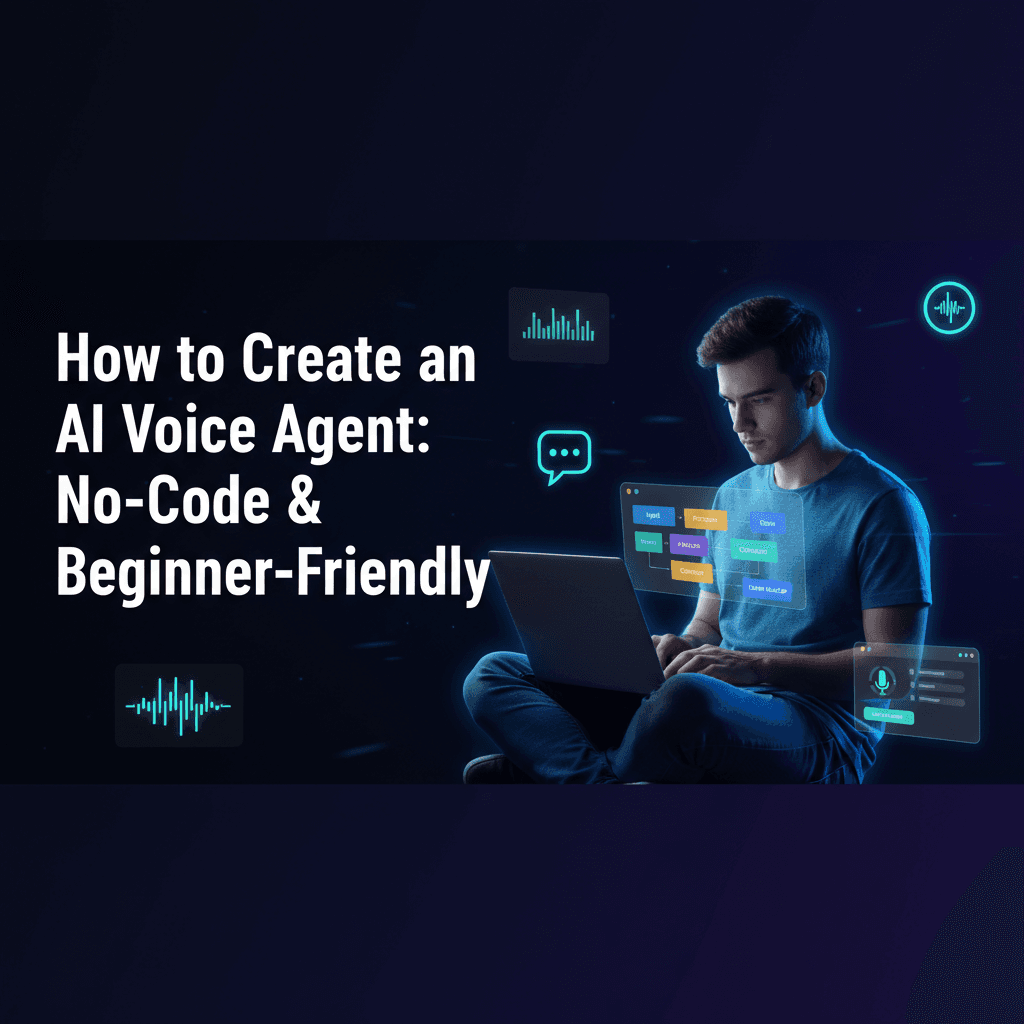
The future of customer interaction and business automation is here, and it speaks! AI voice agents are transforming how businesses operate, offering everything from instant customer support to efficient lead qualification. But if the idea of building one sounds like a complex coding nightmare, think again. This comprehensive guide will show you exactly how to create an AI voice agent, focusing on accessible, no-code, and beginner-friendly methods. We'll dive into the best tools and platforms, providing you with a clear path to deploy your own intelligent voice assistant, often in minutes, not months.
Why Create an AI Voice Agent Now?
The demand for efficient, always-on communication is skyrocketing. AI voice agents can handle routine inquiries, qualify leads, book appointments, and provide instant information, freeing up human staff for more complex tasks. For businesses, this translates to reduced operational costs, improved customer satisfaction, and increased efficiency. The good news is, you no longer need to be a seasoned developer to harness this power. Our focus here is on how to create AI voice agent without coding, making it accessible to everyone.
Getting Started: Essential Components of an AI Voice Agent
Before we jump into specific tools, let's understand the core components that make an AI voice agent function:
- Speech-to-Text (STT): Converts spoken words into text.
- Large Language Model (LLM): Processes the text, understands intent, and generates a relevant text response (e.g., GPT-5, Google Gemini).
- Text-to-Speech (TTS): Converts the LLM's text response back into natural-sounding speech (e.g., ElevenLabs voice).
- Agent Orchestration/Logic: Manages the flow of conversation, integrates with other systems, and defines the agent's behavior.
- Integration: Connects the agent to communication channels (phone, web, messaging apps) and business tools (CRMs, calendars).
No-Code Solutions: The Best Tools to Create AI Voice Agent for Beginners
For those looking to create an AI voice agent no code tutorial 2026 style, these platforms are your go-to:
1. Build AI Voice Agent with ElevenLabs Agents Step-by-Step
ElevenLabs is renowned for its high-quality, realistic text-to-speech technology. They are increasingly offering agent-building capabilities that allow you to combine their superior voices with LLMs. To build AI voice agent with ElevenLabs agents step by step, you would typically:
- Sign up for an ElevenLabs account and access their 'Agents' or 'Conversational AI' features.
- Select or clone a pre-built agent template.
- Integrate your chosen LLM (e.g., OpenAI's GPT models) by providing API keys.
- Customize the agent's persona and knowledge base. You can even create AI voice agent with custom knowledge base PDF by uploading documents for the LLM to reference.
- Choose a create AI voice agent with high quality ElevenLabs voice from their extensive library.
- Test and deploy your agent.
2. Create AI Voice Agent Using Retell AI and GPT-5
Retell AI specializes in creating highly realistic and low-latency conversational AI. Their platform is designed to make it easy to connect powerful LLMs like GPT-5 (or its predecessors) with natural voice interfaces. To create AI voice agent using Retell AI and GPT-5:
- Sign up for Retell AI.
- Connect your OpenAI API key to access GPT-5 (or the latest available model).
- Define your agent's character, goals, and conversational flow within Retell's interface.
- Utilize Retell's built-in STT and TTS or integrate with other providers like ElevenLabs for specific voice needs.
- Test your agent's conversation flow and refine its responses.
- Deploy the agent via a web widget, phone integration, or API.
3. Create AI Voice Agent with Google Gemini and AI Studio
Google's AI Studio (formerly MakerSuite) provides a user-friendly interface to experiment with and deploy models like Gemini. To create AI voice agent with Google Gemini and AI Studio:
- Access Google AI Studio.
- Create a new prompt or use a template for your Gemini model, defining its role and persona.
- Integrate this Gemini model with a conversational AI platform or a custom application that handles STT and TTS. Google Cloud's Speech-to-Text and Text-to-Speech services are excellent companions.
- Define the interaction logic and connect it to your Gemini model.
- Test the conversational flow and deploy.
Advanced Integrations and Use Cases
Once you have the core agent, you can extend its capabilities significantly:
Deploy AI Voice Agent for Customer Support in 10 Minutes
Platforms like Retell AI or even some no-code chatbot builders with voice integration can get you up and running quickly. By pre-defining common FAQs and using a robust LLM, you can deploy AI voice agent for customer support in 10 minutes for basic inquiries. Focus on a narrow scope initially, then expand.
Create AI Voice Agent for Appointment Booking with Cal.com
Integrate your voice agent with scheduling tools. Using a platform like n8n or Zapier, you can connect your AI voice agent (built with Retell or similar) to Cal.com. The agent can ask for preferred times, check availability via Cal.com's API, and confirm bookings. This is how you create AI voice agent for appointment booking with Cal.com effectively.
Create AI Voice Agent for Real Estate Lead Qualification
A voice agent can ask potential clients about their budget, property type preferences, location, and timeline. This helps in pre-qualifying leads before a human agent steps in. Platforms like Retell AI can be configured to ask these specific questions and then pass the structured data to a CRM. This is a powerful way to create AI voice agent for real estate lead qualification.
Open Source and Custom Solutions (for the more adventurous)
While this guide focuses on no-code, it's worth mentioning options for those who want more control or are comfortable with some coding:
Create AI Voice Agent Using LiveKit Open Source Guide
LiveKit provides open-source infrastructure for real-time audio and video. You can use it as the backbone for your voice agent, integrating STT, LLM, and TTS services. Following a create AI voice agent using LiveKit open source guide would involve setting up LiveKit servers and then connecting various AI APIs via your own application logic.
Create AI Voice Agent with Twilio and Deepgram Python Tutorial
For developers, combining Twilio (for telephony) with Deepgram (for highly accurate STT) and an LLM via Python is a powerful approach. A create AI voice agent with Twilio and Deepgram Python tutorial would walk you through setting up call handling, streaming audio to Deepgram, sending text to an LLM, and playing back the TTS response via Twilio.
Create AI Voice Agent with n8n Workflow Automation
n8n is a powerful open-source workflow automation tool that can act as the 'glue' between different services. You can use n8n to orchestrate the flow: receive audio, send to STT, send text to LLM, get response, send to TTS, and play audio back. This allows you to create AI voice agent with n8n workflow automation, connecting various APIs without writing custom code for the orchestration itself.
Conclusion: Your Voice Agent Journey Starts Now
The ability to create an AI voice agent is no longer limited to large corporations with dedicated AI teams. With the proliferation of user-friendly platforms and powerful LLMs, anyone can build and deploy intelligent voice assistants for a myriad of applications. Whether you choose a completely no-code solution or opt for a low-code approach with workflow automation, the power to transform your business operations with conversational AI is within reach. Start experimenting today and unlock the potential of voice-driven automation!
Frequently Asked Questions (FAQ)
Q: Can I really create an AI voice agent without any coding experience?
A: Absolutely! Many platforms like Retell AI, ElevenLabs Agents, and even some integrated solutions with Google AI Studio are designed specifically for non-developers. They offer intuitive interfaces to configure your agent's behavior, connect LLMs, and choose voices, making it possible to create AI voice agent without coding.
Q: What's the difference between an AI voice agent and a chatbot?
A: A chatbot primarily interacts via text, while an AI voice agent adds the dimension of spoken language. It uses Speech-to-Text (STT) to understand spoken input and Text-to-Speech (TTS) to generate spoken responses, creating a more natural and accessible conversational experience.
Q: How can I make my AI voice agent sound more natural?
A: Use high-quality Text-to-Speech (TTS) providers like ElevenLabs, which offer highly realistic and customizable voices. Additionally, fine-tune your LLM's prompts to ensure conversational and empathetic responses. Platforms like Retell AI also focus on low-latency and natural turn-taking to enhance realism.
Q: Can I integrate my AI voice agent with existing business tools?
A: Yes! Many platforms offer direct integrations or API access. For more complex workflows, tools like n8n or Zapier can connect your AI voice agent to CRMs, calendar apps (like Cal.com for appointment booking), email services, and more, enabling powerful automation.
Q: What's the cost involved in creating an AI voice agent?
A: Costs vary widely depending on the platforms and usage. Many services offer free tiers for basic usage, with pricing scaling based on factors like API calls, minutes of speech processed, and advanced features. It's best to check the pricing pages of individual providers like ElevenLabs, Retell AI, OpenAI, and Google Cloud for detailed information.