



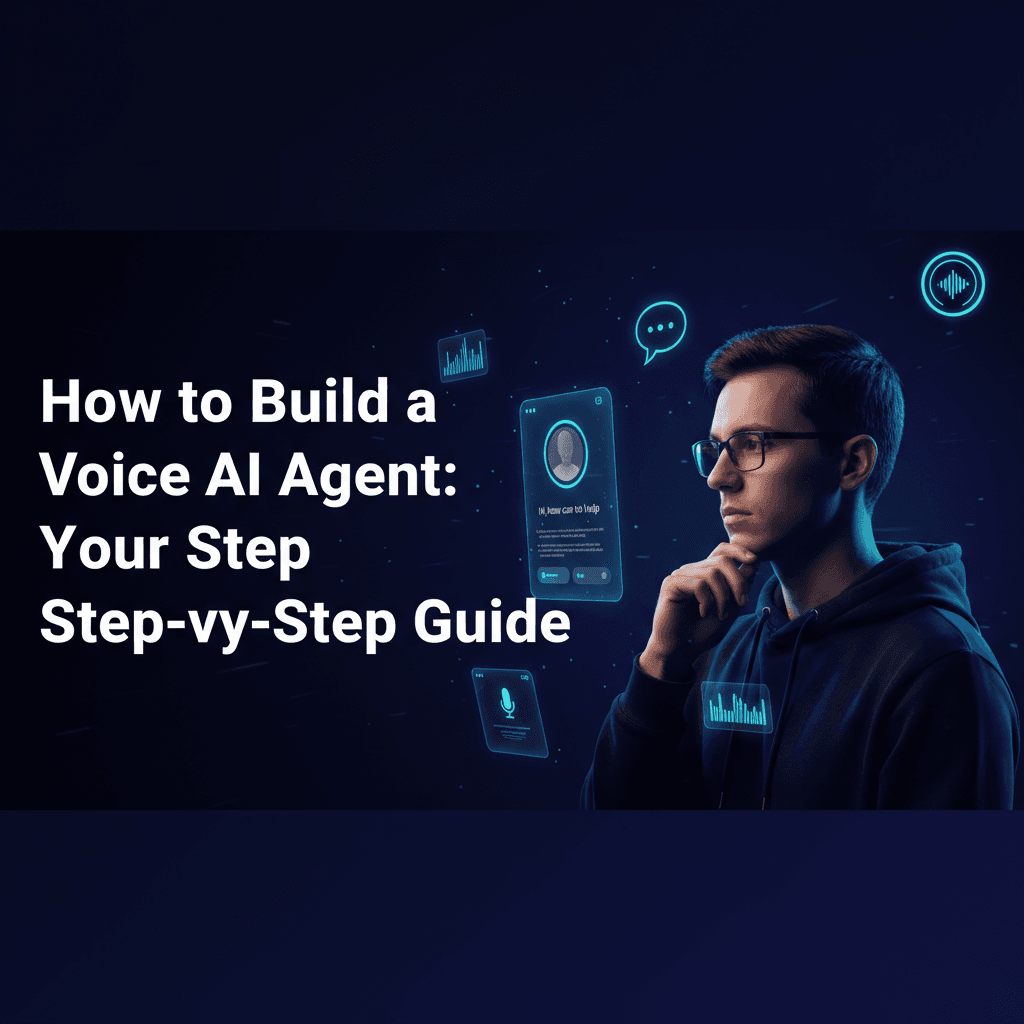
The future is speaking, and it's powered by Voice AI agents. From customer service to personal assistants, these intelligent systems are transforming how we interact with technology. If you're wondering how to build a voice AI agent, you've come to the right place. This comprehensive guide will walk you through the process, whether you're a seasoned developer or looking for a no-code solution. We'll cover everything from foundational concepts to specific tools and deployment strategies, helping you create a custom voice AI agent that meets your needs.
What is a Voice AI Agent?
Before we dive into how to build a voice AI agent, let's define what it is. A voice AI agent is an artificial intelligence system capable of understanding spoken language, processing it, and responding verbally in a natural, human-like voice. These agents typically combine several core technologies:
- Automatic Speech Recognition (ASR): Converts spoken words into text.
- Natural Language Understanding (NLU): Interprets the meaning and intent behind the text.
- Dialogue Management: Manages the flow of the conversation.
- Natural Language Generation (NLG): Formulates a textual response.
- Text-to-Speech (TTS): Converts the textual response back into spoken words.
Understanding these components is crucial when you're looking to build a voice AI agent from scratch.
Step-by-Step Guide to Building a Voice AI Agent
This step by step guide to building a voice AI agent will cover the general workflow, applicable whether you're coding or using a no-code platform.
1. Define Your Agent's Purpose and Scope
What do you want your voice AI agent to do? Is it for customer service, appointment booking, or a personal assistant? Defining its core function will guide all subsequent decisions. For example, if you want to build a voice AI agent for customer service, its knowledge base and conversational flows will be very different from an agent designed for simple queries.
2. Choose Your Development Approach: Code vs. No-Code
This is a critical decision. You can either learn how to build a voice AI agent with Python and other programming languages for maximum customization, or explore how to create a voice AI agent without coding using specialized platforms.
- Coding Approach: Offers flexibility and deep integration. Ideal for complex, custom voice AI agent development.
- No-Code/Low-Code Approach: Faster development, easier for beginners. Look for low code platforms for voice AI agents or a voice AI agent builder no code solution.
3. Select Your Core Technologies and Tools
The best tools to build a voice AI agent depend on your chosen approach:
- Speech-to-Text (ASR): Services like OpenAI's Whisper, AssemblyAI, or Google Cloud Speech-to-Text.
- Natural Language Processing (NLP/NLU): OpenAI's GPT models (like GPT-3.5 or GPT-4), Google Dialogflow, Rasa. If you want to build a voice AI agent with OpenAI, their API is a powerful choice for understanding and generating human-like text.
- Text-to-Speech (TTS): ElevenLabs (known for highly realistic voices), Google Cloud Text-to-Speech, Amazon Polly. Learning how to build a voice AI agent using ElevenLabs can give your agent a remarkably natural voice.
- Real-time Communication: Platforms like LiveKit are excellent for managing real-time audio streams, crucial if you want to build a voice AI agent with LiveKit for interactive conversations.
- Orchestration & Frameworks: For coding, consider frameworks like Rasa or libraries for Python. For no-code, platforms like Retell AI or MirrorFly can significantly simplify the process. You can build voice AI agent with Retell AI for quick prototyping, or build voice AI agent with MirrorFly for communication-focused solutions.
4. Develop the Conversational Flow (Dialogue Management)
Design how your agent will interact. Map out potential user utterances, expected intents, and appropriate responses. This involves creating intents (what the user wants to do) and entities (key information within the utterance). For example, if you're building an agent for appointment booking, intents might include 'schedule appointment' or 'change appointment', with entities like 'date', 'time', and 'service'.
5. Integrate a Knowledge Base (Optional but Recommended)
To make your agent truly intelligent, learn how to add knowledge base to voice AI agent. This allows it to answer questions based on a repository of information. This could be a database, a set of documents, or an API. Retrieval-Augmented Generation (RAG) is a popular technique for integrating external knowledge with large language models.
6. Implement Voice Input and Output
This is where your ASR and TTS services come into play. The user speaks, ASR converts it to text, your NLP processes it, NLG generates a response, and TTS speaks it back. Real-time processing is key for a natural conversational experience.
7. Test and Refine Your Agent
Thorough testing is crucial. Test various scenarios, accents, and unexpected inputs. Collect feedback and iterate to improve accuracy, naturalness, and user experience. This custom voice AI agent development guide emphasizes continuous improvement.
8. Deploy Your Voice AI Agent
Once your agent is ready, deploy it! This could be on a website, a mobile app, or even integrated into a phone system. If you're wondering how to deploy voice AI agent to phone, services like Twilio or specific platform integrations can facilitate this.
Building a Voice AI Agent with Python
If you choose the coding route, Python is the language of choice for AI development. To build a voice AI agent with Python, you'll typically use libraries and APIs for each component:
- ASR:
SpeechRecognitionlibrary, or API clients for AssemblyAI, Google, OpenAI. - NLP:
transformerslibrary (Hugging Face), spaCy, or OpenAI's API client. - TTS:
gTTS(Google Text-to-Speech), or API clients for ElevenLabs, Amazon Polly. - Dialogue: Frameworks like Rasa or custom logic using Python.
An open source voice AI agent tutorial often leverages Python for its flexibility and extensive community support.
No-Code and Low-Code Solutions
For those who prefer to build a voice AI agent without coding, several platforms offer intuitive drag-and-drop interfaces and pre-built integrations:
- Google Dialogflow: A robust platform for building conversational interfaces, including voice.
- Retell AI: Specifically designed for building conversational voice agents with real-time capabilities.
- MirrorFly: Offers comprehensive communication APIs, including voice, for building custom solutions.
- Voiceflow: A popular platform for designing, prototyping, and launching voice and chat assistants.
These tools significantly lower the barrier to entry, allowing you to quickly create a voice AI agent.
Applications of Voice AI Agents
The potential uses are vast:
- Customer Service: How to build a voice AI agent for customer service involves training it on FAQs, troubleshooting steps, and common queries to provide instant support.
- Appointment Booking: Learning how to build a voice AI agent for appointment booking can automate scheduling, rescheduling, and cancellations.
- Healthcare: Assisting patients with information, scheduling, and reminders.
- Education: Interactive learning tools and language tutors.
- Smart Home Devices: Controlling devices and providing information.
Conclusion
Building a voice AI agent is an exciting endeavor that can significantly enhance user interaction and automate tasks. Whether you decide to build a voice AI agent from scratch with Python and powerful APIs like OpenAI, ElevenLabs, AssemblyAI, and LiveKit, or opt for the simplicity of no-code platforms like Retell AI or MirrorFly, the tools and resources are readily available. By following this guide, you're well on your way to creating your own intelligent, conversational AI agent.
Frequently Asked Questions (FAQ)
Q: Can I build a voice AI agent without any coding knowledge?
A: Yes! Platforms like Google Dialogflow, Voiceflow, Retell AI, and MirrorFly offer no-code or low-code solutions that allow you to design and deploy voice AI agents using visual interfaces and pre-built components, making it accessible even without programming expertise.
Q: What's the difference between a voice AI agent and a chatbot?
A: While both are conversational AI, a chatbot primarily interacts via text. A voice AI agent, on the other hand, processes spoken language (using ASR) and responds with synthesized speech (using TTS), providing a hands-free, auditory experience.
Q: How important is the quality of the voice (TTS) for a voice AI agent?
A: Very important! A natural, human-like voice significantly enhances user experience and trust. Tools like ElevenLabs specialize in generating highly realistic and expressive voices, which can make your agent feel more engaging and less robotic.
Q: Can I integrate my voice AI agent with existing systems like CRM or databases?
A: Absolutely. Most voice AI development platforms and frameworks offer robust API integration capabilities. This allows your agent to fetch information from databases, update CRM records, or trigger actions in other business systems, making it a powerful automation tool.
Q: What are the key components needed to build a voice AI agent from scratch?
A: To build a voice AI agent from scratch, you'll need Automatic Speech Recognition (ASR) for voice-to-text, Natural Language Understanding (NLU) for intent recognition, Dialogue Management for conversation flow, Natural Language Generation (NLG) for text responses, and Text-to-Speech (TTS) for text-to-voice conversion.