



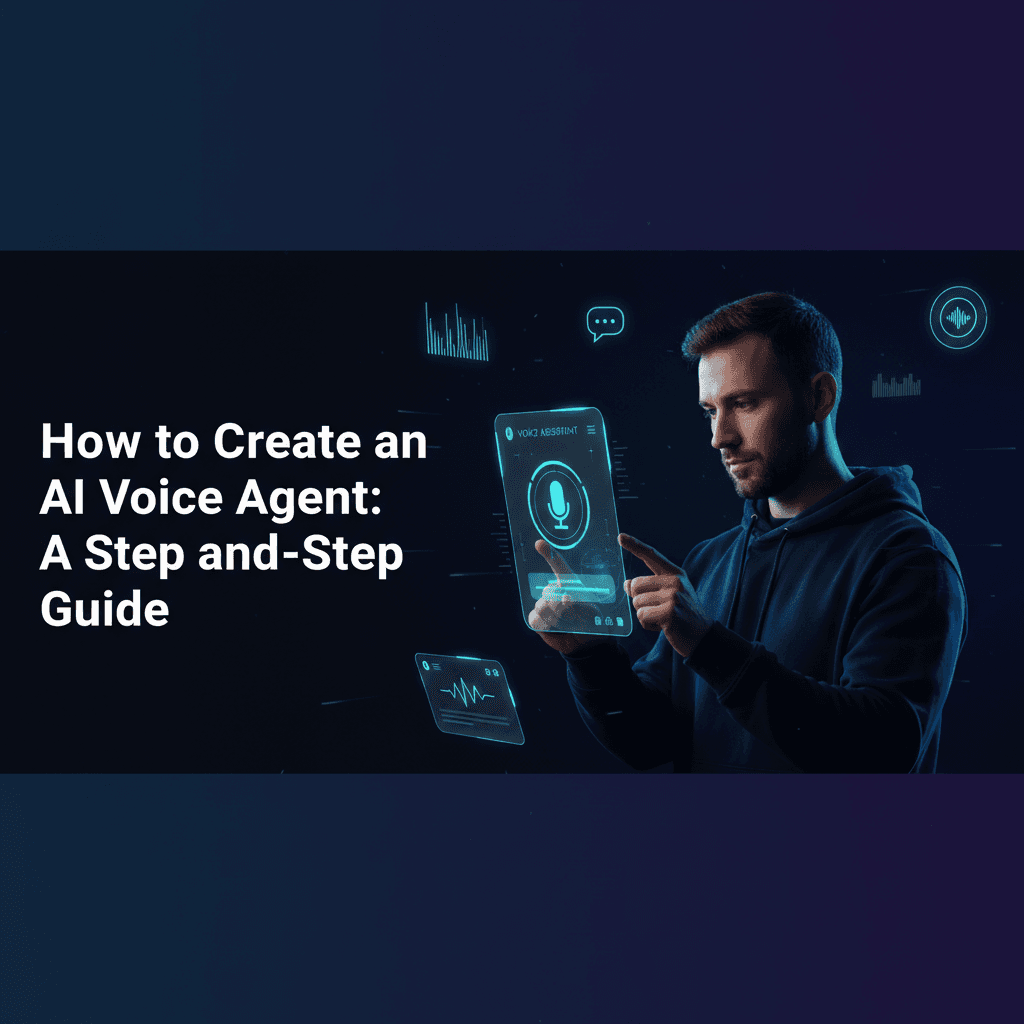
In today's fast-paced digital world, AI voice agents are transforming how businesses interact with customers, streamline operations, and qualify leads. If you've ever wondered how to create an AI voice agent, you're in the right place. This comprehensive guide will walk you through the process, covering everything from no-code solutions to advanced integrations, helping you build an AI voice agent tailored to your specific needs.
What is an AI Voice Agent?
An AI voice agent, also known as a conversational AI or voice bot, is a computer program designed to understand human speech, process natural language, and respond verbally. These agents can perform a variety of tasks, from answering frequently asked questions and providing customer support to scheduling appointments and even conducting sales calls. The ability to interact naturally makes them incredibly valuable for enhancing user experience and automating repetitive tasks.
Why Create an AI Voice Agent?
The benefits of deploying an AI voice agent are numerous. They offer 24/7 availability, reduce operational costs, improve customer satisfaction by providing instant responses, and can handle a high volume of inquiries simultaneously. For businesses, this translates into more efficient customer service, better lead qualification, and enhanced productivity.
How to Create an AI Voice Agent: Step-by-Step Guide
Creating an AI voice agent might seem daunting, but with the right tools and a structured approach, it's achievable even for those without extensive coding knowledge. Here's a step-by-step guide to building AI voice agents:
Step 1: Define Your Agent's Purpose and Scope
Before diving into tools, clearly define what you want your AI voice agent to do. Are you looking to make an AI voice agent for customer service, an AI receptionist voice agent, or an agent for lead qualification? Understanding its primary function will guide your choice of tools and design.
Step 2: Choose Your Platform or Tools (No-Code vs. Code)
This is where your technical comfort level comes into play. Many platforms allow you to create an AI voice agent without coding, while others offer more flexibility for developers.
No-Code/Low-Code Solutions:
For those asking, "can I create an AI voice agent without coding?" The answer is a resounding yes! These platforms are ideal for quickly deploying functional agents.
- ElevenLabs: Known for its highly realistic voice synthesis, you can create AI voice agent with ElevenLabs by integrating their API into a conversational framework. While ElevenLabs provides the voice, you'll need a separate platform for the conversational logic. Many users look for an ElevenLabs agents tutorial for beginners to get started with voice generation.
- Retell AI: A powerful tool specifically designed to help you build AI voice agent with Retell AI quickly. It focuses on real-time, human-like conversations and offers robust API access for integration.
- JustCall: Offers AI voice agent configuration for call centers, allowing you to set up agents for various tasks like customer support and sales.
- SignalWire: Provides a comprehensive platform for building communication apps, including AI voice agents, with flexible APIs. Learn about SignalWire AI voice agent setup for advanced telephony integrations.
- AssemblyAI: While primarily an ASR (Automatic Speech Recognition) and NLU (Natural Language Understanding) service, AssemblyAI can be a core component for building custom voice agents, especially when combined with other tools. Explore AssemblyAI voice agent examples for inspiration.
Code-Based Solutions (for more customization):
- OpenAI API: If you want full control, you can create AI voice agent with OpenAI API. This involves using models like GPT-3.5 or GPT-4 for natural language understanding and generation, combined with a text-to-speech (TTS) service (like ElevenLabs or OpenAI's own TTS) and a speech-to-text (STT) service (like OpenAI Whisper or AssemblyAI).
- Open-source tools for building voice AI agents: For developers, frameworks like Rasa, DeepSpeech, and Mycroft AI offer deeper customization but require coding expertise.
Step 3: Design the Conversational Flow (Dialogue Management)
This is crucial for a smooth user experience. Map out potential user queries and the agent's responses. Consider different scenarios, error handling, and how the agent will guide the conversation. Tools like Google Dialogflow or custom logic built with OpenAI can help here. Think about what prompt do I use for an AI voice agent? Your prompts will define the agent's persona and initial responses.
Step 4: Integrate Speech-to-Text (STT) and Text-to-Speech (TTS)
The STT component converts spoken words into text for the AI to understand, while TTS converts the AI's text responses back into natural-sounding speech. ElevenLabs is a top choice for realistic TTS, and services like Google Cloud Speech-to-Text or AssemblyAI handle STT efficiently.
Step 5: Connect to External Systems (APIs)
For your agent to be truly useful, it often needs to interact with other systems. This could involve CRM software, databases, or scheduling tools. For example, you might want to integrate AI voice agent with Google Calendar to book appointments or connect it to your existing phone system to connect an AI voice agent to my phone number.
Step 6: Deploy and Test Your AI Voice Agent
Once built, you'll need to deploy AI voice agent on website, phone systems, or other platforms. Thorough testing is critical to identify and fix any conversational glitches, ensure natural responses, and verify integrations. Gather user feedback to continuously improve its performance.
Best Tools to Create AI Voice Agents Without Coding
For those prioritizing ease of use and rapid deployment, here are some of the best tools to create AI voice agents without coding:
- Retell AI: Excellent for real-time, human-like voice interactions with a strong focus on developer-friendly APIs.
- ElevenLabs: Unmatched for generating highly realistic and customizable voices. Integrates well with conversational AI platforms.
- Google Dialogflow: A robust platform for building conversational interfaces, which can be extended with voice capabilities.
- Voiceflow: A visual design tool for building voice and chat assistants, making it easy to design complex conversational flows without code.
- Twilio Autopilot: Allows you to build intelligent bots that interact over voice or SMS, leveraging Twilio's communication infrastructure.
Conclusion
Creating an AI voice agent is a powerful way to enhance customer engagement and automate business processes. Whether you choose to build a no-code AI voice agent using platforms like Retell AI and ElevenLabs or opt for a more custom solution with the OpenAI API, the key is to start with a clear objective and iterate based on performance. The landscape of AI voice technology is rapidly evolving, making it an exciting time to explore its potential for your business.
Frequently Asked Questions (FAQ)
What is the easiest way to create an AI voice agent?
The easiest way is often using no-code or low-code platforms like Retell AI or Voiceflow, which provide intuitive interfaces for designing conversational flows and integrating voice capabilities without writing extensive code.
Can I create an AI voice agent without coding?
Absolutely! Many platforms are designed for non-developers, allowing you to build sophisticated AI voice agents using drag-and-drop interfaces and pre-built templates. Look for tools specifically marketed as "no-code AI voice agent builders."
How do I connect an AI voice agent to my phone number?
You typically connect an AI voice agent to a phone number using a CPaaS (Communications Platform as a Service) provider like Twilio, SignalWire, or JustCall. These platforms allow you to programmatically manage phone calls and integrate your AI agent's logic for inbound and outbound calls.
What prompt do I use for an AI voice agent?
The prompt for an AI voice agent depends on its purpose. It should clearly define the agent's role, personality, and initial greeting. For example, an AI receptionist might start with: "Hello, thank you for calling [Company Name]. How may I help you today?" For customer service, it could be: "Hi, I'm your virtual assistant. Please tell me about your issue."
How to integrate AI voice agent with Google Calendar?
Integration with Google Calendar typically involves using the Google Calendar API. Your AI voice agent's backend logic would make API calls to create, read, update, or delete events in a user's calendar based on their voice commands. This usually requires some coding or using a platform that offers pre-built Google Calendar integrations.